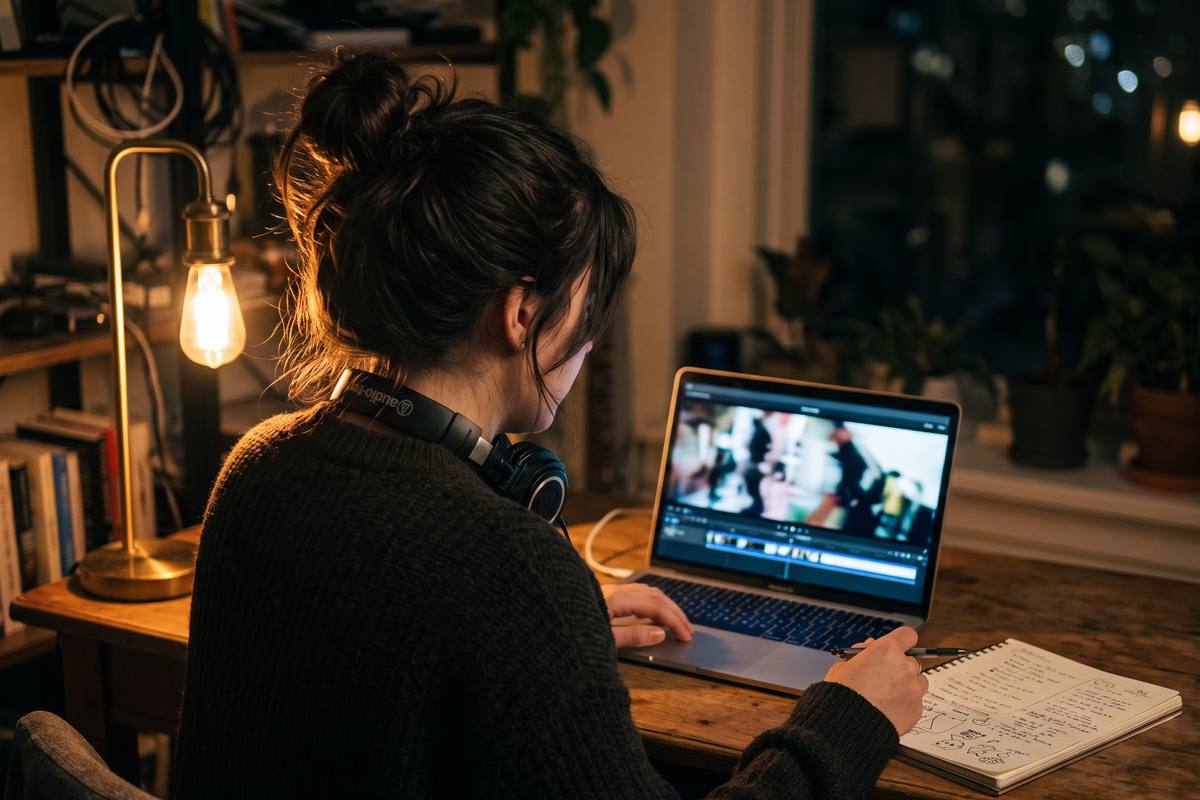
Editing rhythm
Cutting for Pace: Rhythm in Short-Form Editing
Pacing is not cutting fast. It is deciding, shot by shot, how much thinking time the viewer gets.
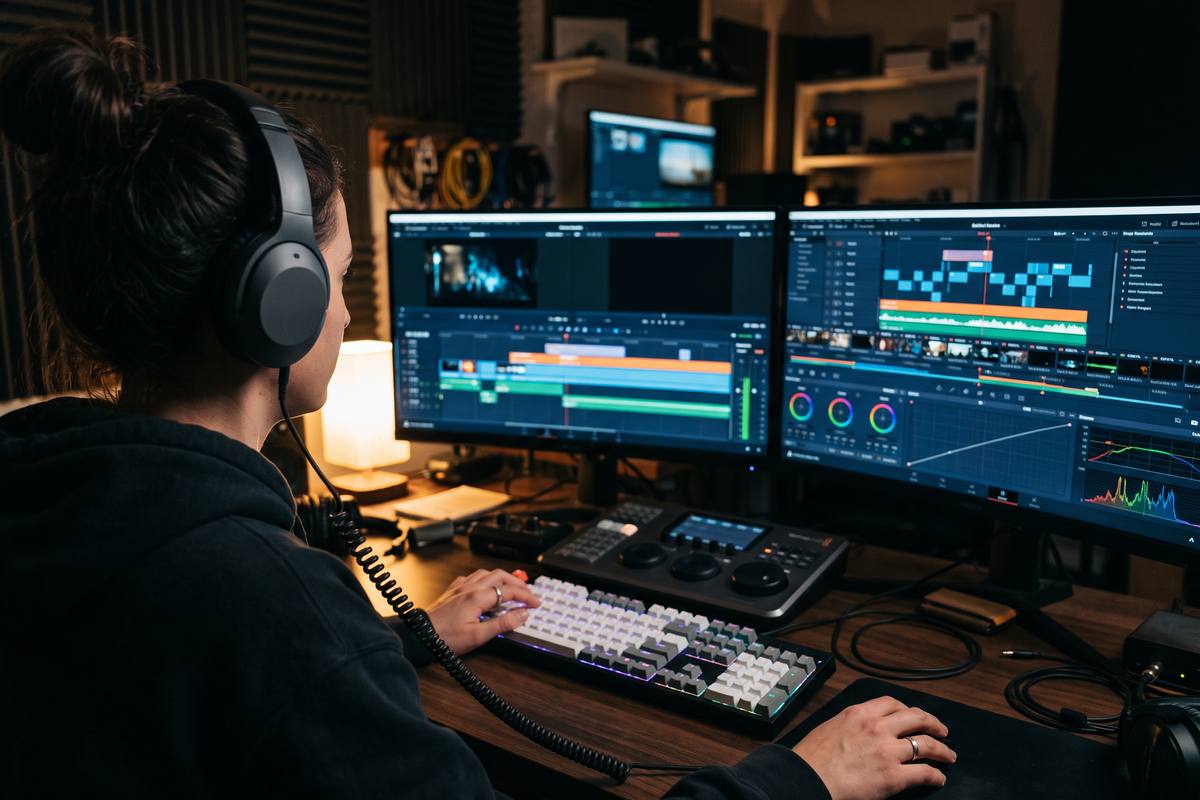
In this guide
Decide lengths before you trim
Trimming frame by frame without a target produces an edit that is technically clean and emotionally flat. Decide the intended length for each shot before you touch the timeline: the decision is what creates the rhythm, and the trimming only implements it.
A useful starting point for a thirty-second vertical video is an opening under six seconds, a middle section of shots between two and four seconds, and a closing shot that completes an action. Adjust from there, but adjust deliberately.
Where to place the cut
The most invisible cuts happen on motion: a hand entering frame, a head turning, a step landing. The eye is already following movement, so the change of shot goes unregistered.
Sound is the second reliable anchor. Cutting on the beginning or end of a spoken word, on a beat of the music, or on an environmental sound makes the transition feel intentional even when the framing changes abruptly.
- On movement inside the frame rather than on a static moment
- On the start or end of a spoken phrase
- On a musical beat or a deliberate silence
- On a change of framing when the subject stays in the same position
Creating breathing room
Constant speed exhausts attention. After two or three short shots, one longer shot gives the viewer a chance to absorb what they have seen and prepares them for the next burst of information.
Place the longer shot where the story pauses — after a key point, before a change of location, or immediately before the closing action. That single beat does more for retention than any effect.
Cutting to spoken content
Talking clips benefit from a different rule: cut on the breath, not in the middle of a clause. Removing pauses is fine, but cutting a sentence in half is heard immediately as an error even when the words remain intact.
For tight vertical formats, keep sentences short in the recording itself. It is faster to shoot a clean sentence than to repair a rambling one in the timeline.
Key takeaways
- Set target shot lengths before trimming anything.
- Place cuts on movement, sound or a framing change.
- Insert one longer shot after a burst of short ones.
- When cutting speech, cut on breaths and complete clauses.
EditFlow Academy editorial teamWritten by working editors who cut short-form video daily and reviewed against real client timelines before publication.
Is a faster cut always better?
No. Fast cutting raises energy but reduces comprehension. For instructional content, a comfortable pace with clear delivery outperforms a frantic one.
How do I keep a rhythm across a whole series?
Save typical shot lengths per section in your template, then deviate only when the story needs it. Consistency across episodes is what viewers recognise.
Should the opening shot have sound?
A short spoken opening line works well because it sets the promise immediately, as long as the audio is clean and the line is under five seconds.